Quick Answer
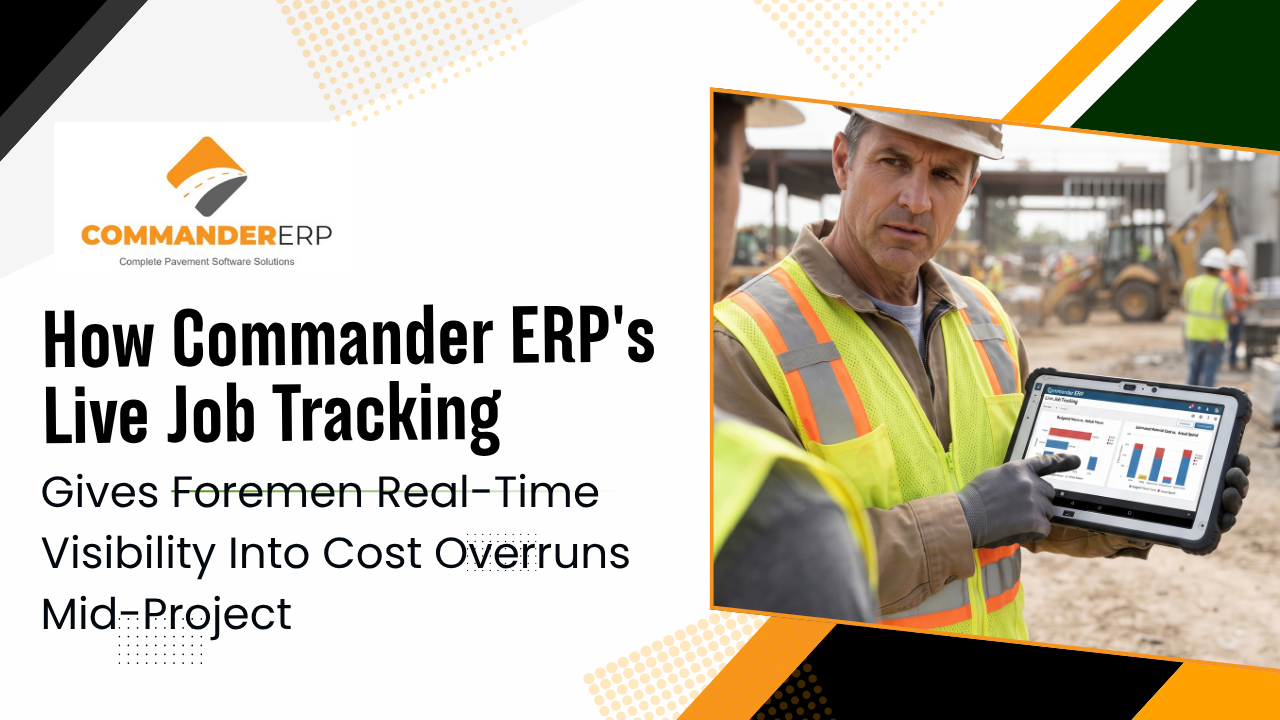
Live job tracking gives a foreman visibility into how a job is trending against its budget while the crew is still on-site, instead of the office finding out weeks later during a monthly close. Commander ERP connects field data — crew hours, material use, and equipment activity — directly to job costing, so actual costs versus estimated costs are visible in real time from the field or the office. That means a foreman who's watching labor hours run ahead of what a phase was budgeted for, or material use exceeding the tonnage the bid assumed, can flag it and adjust the same day the job is happening, rather than after the crew has moved to the next site.
A job can go over budget in the first three days and nobody in the office finds out until the invoice gets built weeks later. That gap between when a cost overrun actually happens and when someone notices it is where paving margins quietly disappear. Contractors using digital job costing tools identify budget overruns roughly three weeks earlier on average than those relying on manual methods — and three weeks earlier is often the difference between a correctable problem and a closed-out job with a number nobody can explain. This guide covers why that gap exists, what a foreman actually needs to see to catch a problem early, and how live job tracking closes the distance between the field and the numbers.
Why Cost Overruns Go Unnoticed Until It's Too Late
The typical paving job generates cost data constantly — hours worked, fuel burned, tons of material placed — but most of that data doesn't reach anyone who can act on it until well after the fact. A foreman tracks crew hours against a cost code in their head or on a paper sheet. A superintendent radios in a delay verbally. An operator mentions a mechanical issue in a text thread. None of that becomes a structured number the office can compare against the bid until someone manually pulls it together, which by default happens at the end of the week, or the end of the job.
Labor alone often makes up close to half of a paving job's total cost, and even a modest error in tracking it — missing overtime, misapplying burden rates, or simply not comparing hours to the budgeted phase until the job is done — can be enough to erase a job's margin. The problem isn't that owners don't care about cost control. It's that the information arrives too late to do anything but explain what already happened.
What a Foreman Actually Needs to See in Real Time
A foreman doesn't need — and doesn't have time for — a full financial report. What actually helps on-site is a small set of numbers that answer one question: is this job tracking to plan right now, today, on this phase of work.
- Crew hours logged so far today against what this phase of the job was budgeted for
- Material used or placed against the tonnage or quantity the bid assumed
- Equipment hours and any downtime affecting today's production
- Whether today's production pace is keeping up with the schedule, or falling behind
How Live Job Tracking Closes the Field-to-Office Gap
Live job tracking works by capturing field data as it happens — through the same mobile device a foreman is already using — and feeding it directly into job costing, instead of routing it through a paper form or an end-of-week data entry session. That single change is what makes the difference between a three-week lag and a same-day flag.
Field Data Flows Directly Into Job Costing
When a foreman logs hours, material use, or equipment activity from the field, that entry updates the job's actual cost figures immediately rather than sitting in a stack of paperwork waiting to be entered by someone in the office.
Actual vs. Estimated Cost, Visible While the Job Is Still Active
Because Commander ERP flows bid data directly into active job tracking once a bid is approved, actual costs can be compared to estimated costs in real time, which means a developing overrun shows up as a number, not a feeling, while the crew is still on-site to do something about it.
The Same Visibility in the Field and the Office
Commander ERP provides live dashboards and job tracking accessible whether someone is in the office or in the field, so a foreman checking from a truck sees the same current numbers an owner would see from a desktop.
No Double Entry Between the Field and the Back Office
Because data flows directly from bid to active job tracking without manual re-entry, foremen and office staff are working from the same numbers instead of reconciling two separate versions of what happened on a job.
What a Foreman Should Do When the Numbers Start Drifting
- Flag a labor or material variance the same day it shows up, not at the end of the week.
- Note the specific cause — weather delay, equipment downtime, a scope change — so the office isn't just seeing a number without context.
- Communicate with the office before the variance compounds across multiple days.
- Compare today's pace against a similar completed job, if one's available, to judge whether it's a real problem or normal variation.
- Don't wait for a formal report to raise a concern — the value of real-time data is in acting on it in real time.
Why Early Detection Protects the Bid, Not Just the Current Job
Catching a cost overrun mid-job does more than save that specific project's margin. A pattern of labor or material variance that shows up early and gets documented becomes real data the next time a similar job gets bid — instead of the same mistake getting baked into future estimates because nobody caught it in time to understand why it happened.
Frequently Asked Questions
How much earlier can real-time tracking catch a cost overrun compared to manual methods?
Contractors using digital job costing tools typically identify budget overruns about three weeks earlier than those relying on manual tracking methods, which is often enough time to correct course before a job closes out.
Do foremen need special training to use live job tracking in the field?
Commander ERP's mobile access is built for field use, so foremen log hours, materials, and job data through the same type of device they're already using, rather than learning a separate back-office system.
Does live job tracking replace the need for a foreman's judgment on-site?
No. Live job tracking gives a foreman better information faster, but interpreting why a variance is happening — weather, a scope change, a slow supplier — still depends on the foreman's direct knowledge of the job.
Can office staff see the same real-time data the foreman sees?
Yes. Commander ERP's dashboards and job tracking are accessible from the office or the field, so both sides are working from the same current numbers instead of a delayed report.
Give Your Foremen the Numbers Before the Job Closes Out
Commander ERP connects field data straight to job costing, so foremen and the office see actual vs. estimated cost in real time — catching an overrun while the crew's still there to fix it, not three weeks later.
