2026-08-27

Signing on with a new ERP system is the easy part. What happens in the 90 days after that decision determines whether your team actually uses the system — or quietly goes back to spreadsheets and paper tickets within a season. Here's a realistic look at what construction ERP implementation looks like, phase by phase, so you know what to expect before you start.
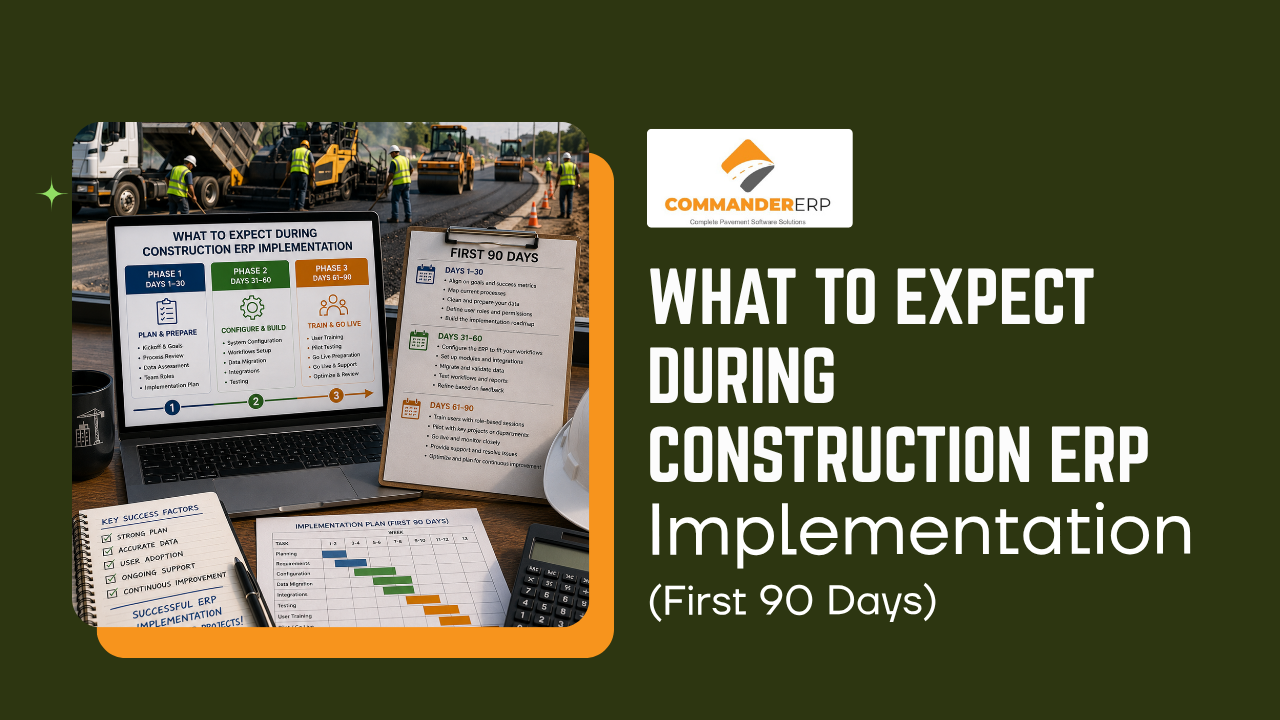
For a cloud-based construction ERP — the kind most paving and construction companies use today — a focused implementation for a small-to-mid-sized company typically runs 60 to 90 days from kickoff to go-live. Larger companies with multiple locations or heavily customized workflows can take longer. On-premise systems, which require server setup and more IT overhead, generally take considerably longer than cloud deployments.
| Phase | Focus | Key Deliverable |
|---|---|---|
| Days 1–30 | Foundation & data migration | Clean job, customer, and cost data loaded and verified in the new system |
| Days 31–60 | Configuration & training | Workflows, roles, and permissions set up; office and field staff trained |
| Days 61–90 | Testing & go-live | System running on live jobs, with support tapering as the team gains confidence |
The first month sets the trajectory for the whole project. Your team and the vendor define which processes move over as-is and which get redesigned, then start migrating job records, customer data, and historical costs into the new system. Clean data going in is what prevents headaches coming out — this is the phase worth taking seriously rather than rushing.
With data in place, the system gets configured around how your company actually works — user roles, job costing structures, approval workflows. This is also when office staff and foremen start training, ideally on real jobs and real numbers rather than generic sample data, so the system feels familiar on day one of go-live.
The system goes live on active jobs, usually with the vendor's support team still closely involved. Expect some early friction as crews build new habits — this is normal, and it's also where a strong support team makes the biggest difference. Most companies see support intensity taper over the following four to eight weeks as the team gains confidence.
A handful of issues account for most delayed rollouts, in construction and every other industry:
Clean up your data before implementation starts, not during it. Assign one internal owner who's accountable for keeping the project on track. And treat training as part of the rollout, not an afterthought — a system your crews were never properly shown will get abandoned within a season, no matter how good the software actually is.
Commander ERP is built for paving and asphalt contractors, with a guided onboarding process designed to get your team trained and running on real jobs fast. Book a free demo to see what implementation looks like for a company your size.
Book a Demo