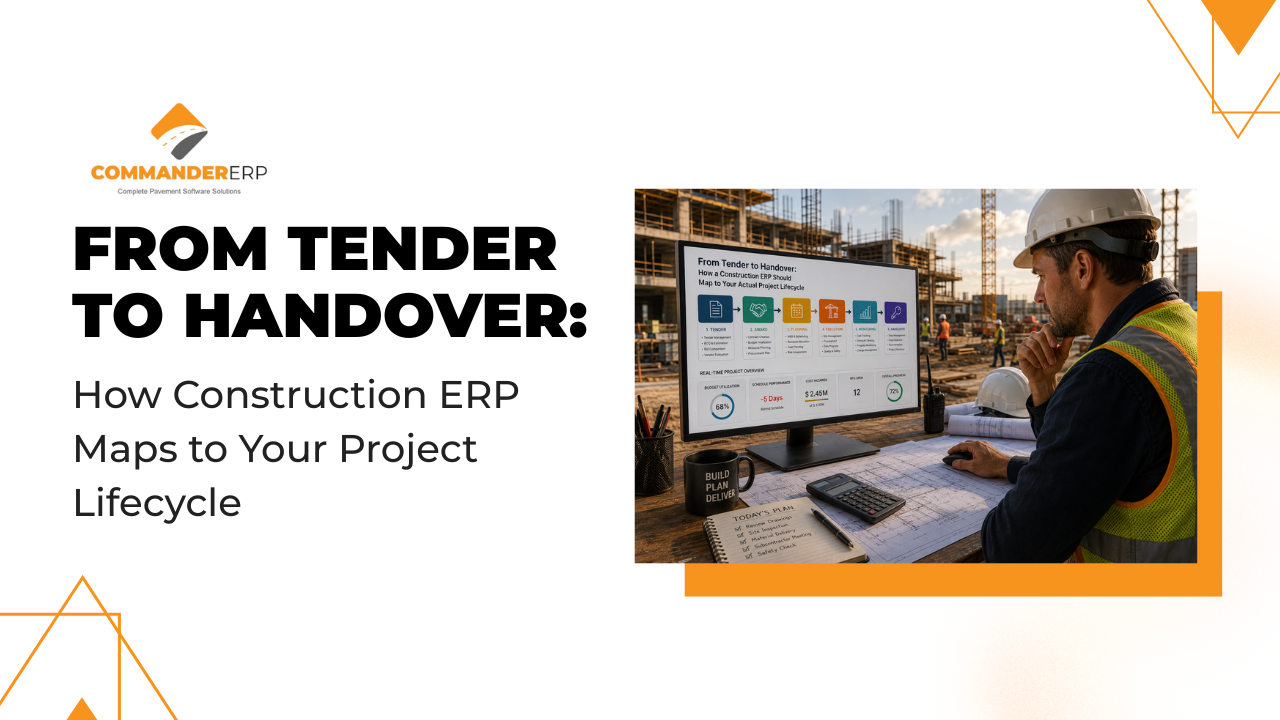
Most ERP articles begin with features and end with a pricing table. But construction doesn't work in feature lists — it works in stages, each with its own pressures, deadlines, and teams. If your ERP can't follow your project from the first tender document to the final handover certificate, it's not doing its job.
This guide walks through each stage of a typical construction project lifecycle and shows exactly how a cloud-based construction ERP like Commander ERP should be supporting your team at every step.
Stage 1: Tendering and Estimation
What's Happening
Your business development and estimation teams are preparing bids. They need accurate cost data — labour rates, material prices, subcontractor quotes, and historical project data — to price competitively without losing margin.
Where ERP Fits
- Historical cost data from past projects feeds directly into estimation templates.
- Material price lists stay current and consistent across all bids.
- Tender documents can be linked to project files from day one.
- Approval workflows ensure every bid goes through the right sign-off.
Without ERP at this stage, estimators work off scattered spreadsheets and memory. Errors here set the wrong budget baseline for the entire project.
Stage 2: Contract Award and Project Setup
What's Happening
You've won the bid. Now the project needs to be formally set up: budgets defined, timelines locked, teams assigned, subcontractor agreements signed.
Where ERP Fits
- Project is created in the ERP with approved budget imported directly from the tender.
- Work Breakdown Structure (WBS) defined and linked to cost codes.
- Subcontractor contracts uploaded and linked to payment milestones.
- Team roles assigned with appropriate ERP permissions.
The handover from estimation to delivery is where most projects lose control of their budget. ERP locks the baseline and gives everyone a single source of truth from the first day.
Stage 3: Procurement and Supply Chain
What's Happening
Materials need to be ordered, suppliers confirmed, and delivery schedules aligned with the project timeline. This is where delays begin if procurement is disconnected from the site.
Where ERP Fits
| Procurement Activity | Without ERP | With Commander ERP |
|---|---|---|
| Raise purchase orders | Manual forms, email approvals | Digital PO with budget check and approval workflow |
| Track supplier deliveries | Phone calls, paper GRNs | GRN logged in system, stock updated instantly |
| Compare actual vs budget | End-of-month manual reconciliation | Real-time committed cost tracking |
| Manage supplier payments | Separate accounting system | Linked to accounts payable in same platform |
Stage 4: On-Site Execution
What's Happening
This is the longest and most dynamic phase. Dozens of activities happen simultaneously — civil work, MEP installation, finishing — with multiple subcontractors and material movements every day.
Where ERP Fits
- Daily site reports submitted directly from the field via mobile app.
- Labour attendance tracked against cost codes and budget allocations.
- Equipment usage and downtime logged to identify productivity issues.
- Quality checkpoints completed digitally with photo evidence attached.
- Subcontractor work claims verified against agreed milestones before payment is released.
This is the stage where most cost overruns happen — not from a single large error, but from dozens of small untracked expenses. ERP visibility at this stage is what separates profitable projects from loss-making ones.
Stage 5: Progress Billing and Client Reporting
What's Happening
You need to invoice your client based on project milestones or percentage completion. This requires accurate progress data, which must match what your finance team is reporting.
Where ERP Fits
- Progress claims auto-generated from verified site milestones.
- Retention tracking built into the billing module.
- Client-facing reports pulled directly from live project data — no manual preparation.
- Revenue recognised correctly based on project completion percentage.
Finance teams and project managers working from different data is one of the biggest sources of conflict in construction businesses. ERP eliminates this by making both teams work from the same system.
Stage 6: Project Closeout and Handover
What's Happening
The build is complete. Now you need snagging reports resolved, final accounts agreed, retention released, and all project documentation handed over to the client.
Where ERP Fits
- Snagging items logged and tracked to closure in the system.
- Final cost report generated automatically with full audit trail.
- Retention amounts flagged for follow-up at the agreed release date.
- Project documentation archived and accessible for future reference or disputes.
- Lessons learned captured and fed into estimation templates for future bids.
The Lifecycle at a Glance
| Project Stage | Key ERP Function | Business Outcome |
|---|---|---|
| Tendering | Historical cost data & templates | More accurate, competitive bids |
| Project Setup | Budget lock & WBS creation | Clear baseline from day one |
| Procurement | PO management & GRN tracking | No budget surprises on materials |
| On-Site Execution | Mobile reporting & cost tracking | Costs captured in real time |
| Progress Billing | Milestone billing & retention tracking | Faster, accurate client invoicing |
| Handover & Closeout | Snagging, final accounts & archiving | Clean close, future-ready data |
Conclusion
A construction ERP is not just a finance tool or a project tracker. It's the connective tissue of your entire operation. The best implementations treat ERP as a project lifecycle partner — something that's active and useful at every stage, for every team.
If your current ERP is only being used by two departments, you're paying full price for a fraction of the value. Commander ERP is designed to follow your projects from first document to final handover — and make every stage smarter.
Manage Every Stage of Your Project in One Platform
From the first tender document to final handover, Commander ERP connects every phase of your construction project in real time — no spreadsheets, no gaps, no surprises.
Schedule Your Free Demo at commandererp.com