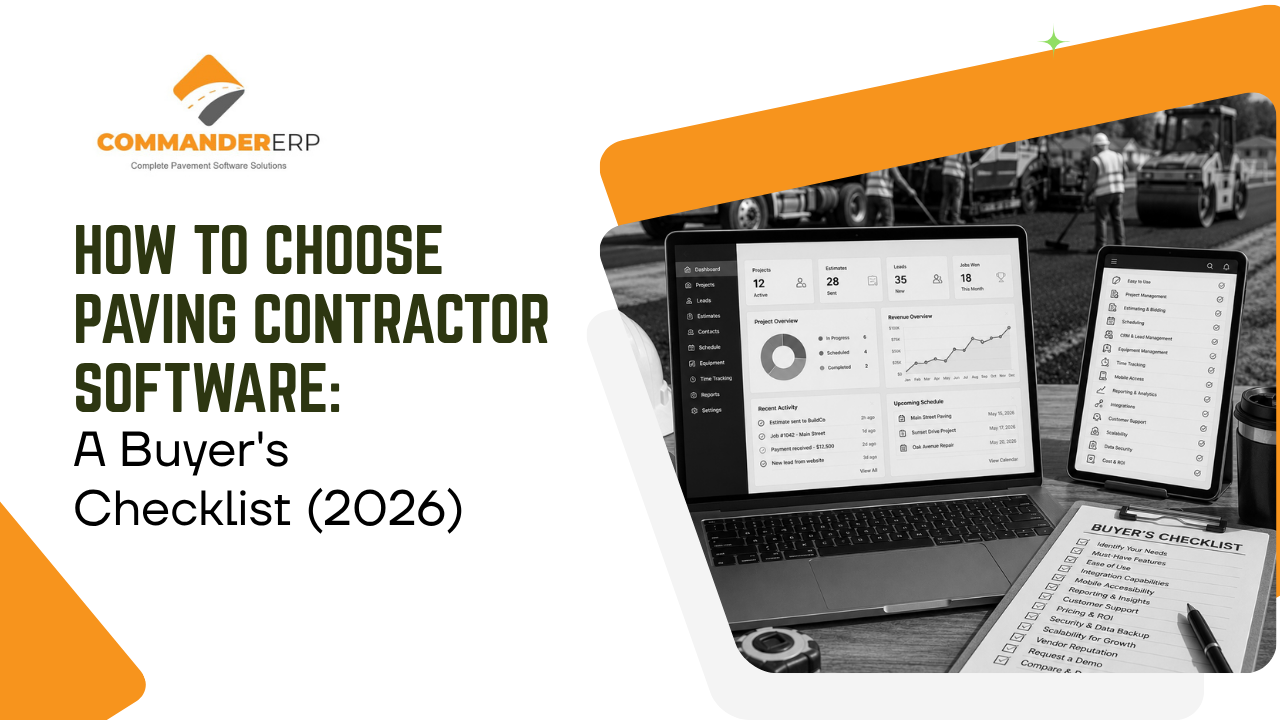
Every paving software vendor's demo looks great. Clean dashboards, smooth clicks, a rep who knows exactly which buttons to press. The real test comes weeks later, when your crews are actually using it in the field and your office is relying on it to run payroll and bill clients. This checklist is built to help you evaluate that reality before you sign a contract, not after.
Step 1: Define What Your Business Actually Needs
Before you look at a single platform, get specific about your own operation. The right software size and feature set depends entirely on this.
Company Size and Crew Count
A one-crew maintenance business and a five-crew company bidding municipal contracts need very different tools. Buying enterprise-level software too early means paying for features nobody uses; buying too small means you'll outgrow it within a season.
Types of Jobs You Run
Sealcoating and crack filling call for different tools than large commercial paving or DOT resurfacing work. Match the platform's strengths to the jobs that make up most of your revenue, not the jobs you might take someday.
The Buyer's Checklist
Use this checklist to evaluate every platform on the same terms, so you're comparing apples to apples instead of getting swayed by whichever demo felt the smoothest.
| Category | What to Confirm Before You Buy |
|---|---|
| Job Costing | Tracks costs by job in real time, not just at month-end |
| Estimating & Bidding | Uses your own historical cost data to build faster, tighter bids |
| Field Data Capture | Has a mobile app crews will realistically use every day |
| Fleet & Equipment | Tracks trucks and heavy equipment by hours, fuel, and maintenance |
| CRM & Follow-Up | Tracks every lead and quote through to a won or lost decision |
| Implementation & Support | Full pricing, training timeline, and support terms are in writing |
| Scalability | Has room to add users and modules as your company grows |
Questions to Ask During a Demo
A good demo answers more than "what does the software do." Come with these questions ready:
- Can I see this running on a real job like mine — not a generic sample?
- What happens when a crew loses signal in the field — does data sync later or get lost?
- What's the full cost, including implementation, training, and add-on modules — in writing?
- How long does onboarding typically take for a company our size?
- What does support look like after the sale — phone, chat, dedicated rep?
Red Flags to Watch For
Some warning signs are easy to miss in a polished sales pitch:
- Pricing that's vague or only available after a sales call
- No mobile app, or one crews clearly won't use in the field
- Job costing sold as a costly add-on rather than a core feature
- No clear answer on data migration from your current system
- Long-term contracts with no trial period or exit option
Match the Software to Your Business, Not the Other Way Around
The best paving contractor software isn't the one with the longest feature list — it's the one your crews will actually use every day and your office can rely on without a second system to double-check it. Score every platform against the same checklist, ask the same demo questions, and choose the tool built for the size and type of work you actually do.
See How Commander ERP Holds Up to This Checklist
Commander ERP was built specifically for paving and asphalt contractors, with job costing, estimating, fleet tracking, and CRM in one connected platform. Book a free demo and score it against your own checklist.
