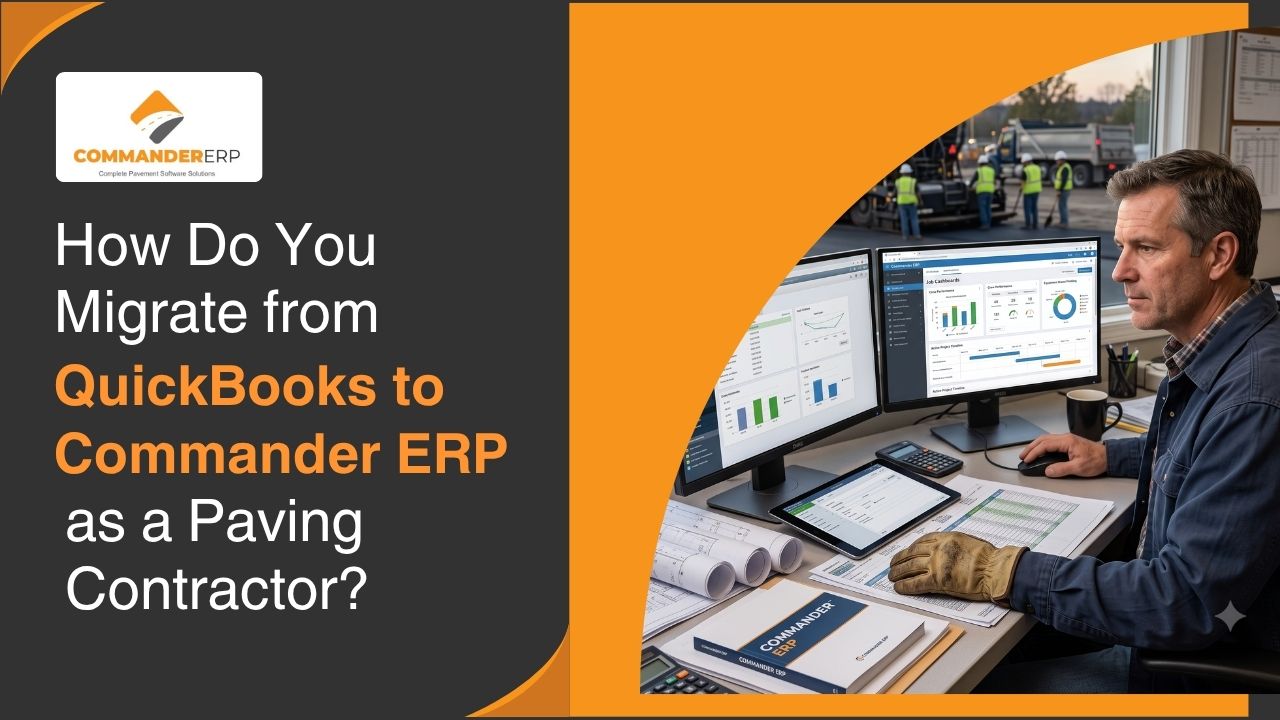
QuickBooks works fine for a small paving operation with one or two crews and a handful of jobs a season. But once a company starts juggling multiple simultaneous projects, equipment tracking, job costing by crew, and field data coming in from several sites at once, QuickBooks starts showing its limits fast. The problem most contractors run into isn't deciding whether to switch, it's worrying about what happens to years of financial history, active jobs, and payroll continuity during the move.
Migrating from QuickBooks to Commander ERP is a more manageable process than most contractors expect, especially when it's broken into clear stages rather than treated as one giant cutover. Here's how the migration typically works.
Why Do Paving Contractors Outgrow QuickBooks?
QuickBooks was built as general-purpose accounting software, not a construction or field operations platform. It has no native way to track job costing by crew and equipment, no geofenced time tracking, no pavement management functionality, and no built-in way to connect what's happening on a job site to what's happening in the accounting ledger. Contractors typically end up bolting on spreadsheets, separate time-tracking apps, and manual data entry to fill those gaps, which creates duplicate work and room for error at exactly the point where accuracy matters most, at tax time and during bidding.
What Data Actually Needs to Move from QuickBooks?
Financial and Historical Records
Chart of accounts, vendor and customer lists, historical invoices, and prior job financials typically need to be exported and mapped into Commander ERP's structure. This preserves your company's financial history for reporting, taxes, and year-over-year comparisons.
Active Jobs and Open Balances
Jobs that are currently in progress need special attention during migration, since they carry open balances, incomplete billing, and ongoing job costing data that has to carry forward accurately rather than restart from zero in the new system.
Employee and Payroll Data
Employee records, pay rates, tax withholding information, and year-to-date payroll totals need to transfer cleanly so payroll continues without interruption or duplicate reporting to tax authorities.
What Does the Migration Process Typically Look Like?
- Export and clean up data in QuickBooks before migration begins
- Map QuickBooks accounts and categories to Commander ERP's structure
- Import historical and active job data into Commander ERP
- Run payroll and accounting in parallel for a short transition period
- Verify reports and balances match before fully retiring QuickBooks
Running both systems in parallel for a short window, often one payroll cycle or one billing period, gives your office staff a chance to confirm the numbers match before QuickBooks is retired entirely. This reduces the risk of a surprise discrepancy showing up after the old system is no longer accessible.
How Long Does a QuickBooks to Commander ERP Migration Usually Take?
Timelines vary depending on how many years of historical data need to be preserved and how many active jobs are in progress at the time of the switch, but most paving contractors can complete onboarding and go live within about 30 days when the process is planned around a natural lull in the season rather than in the middle of peak paving months.
How Does Commander ERP Prevent Disruption to Active Jobs During the Switch?
Because active jobs and their financial data are migrated as part of the process rather than left behind, crews and office staff can continue billing, tracking labor, and managing costs on in-progress projects without losing continuity. Foremen and field staff typically start using time tracking and job data entry in Commander ERP early in the process, while the deeper accounting migration happens in parallel, so day-to-day field operations aren't held up waiting for the full financial cutover to finish.
Ready to Move Off QuickBooks and Into a System Built for Paving Contractors?
If QuickBooks is holding your company back from accurate job costing, real-time field data, and equipment tracking, Commander ERP's implementation team can walk you through a migration plan built around your season and your active job list. Schedule a demo with the Commander ERP team to talk through what your specific migration would look like.
Conclusion
Switching from QuickBooks to a construction-specific ERP is a bigger decision than switching most software, because financial history, active jobs, and payroll continuity are all on the line. But with a structured migration plan, a parallel transition period, and careful handling of in-progress jobs, paving contractors can move to Commander ERP without losing data or disrupting a season's worth of active work, and come out the other side with job costing and field visibility QuickBooks was never built to provide.
