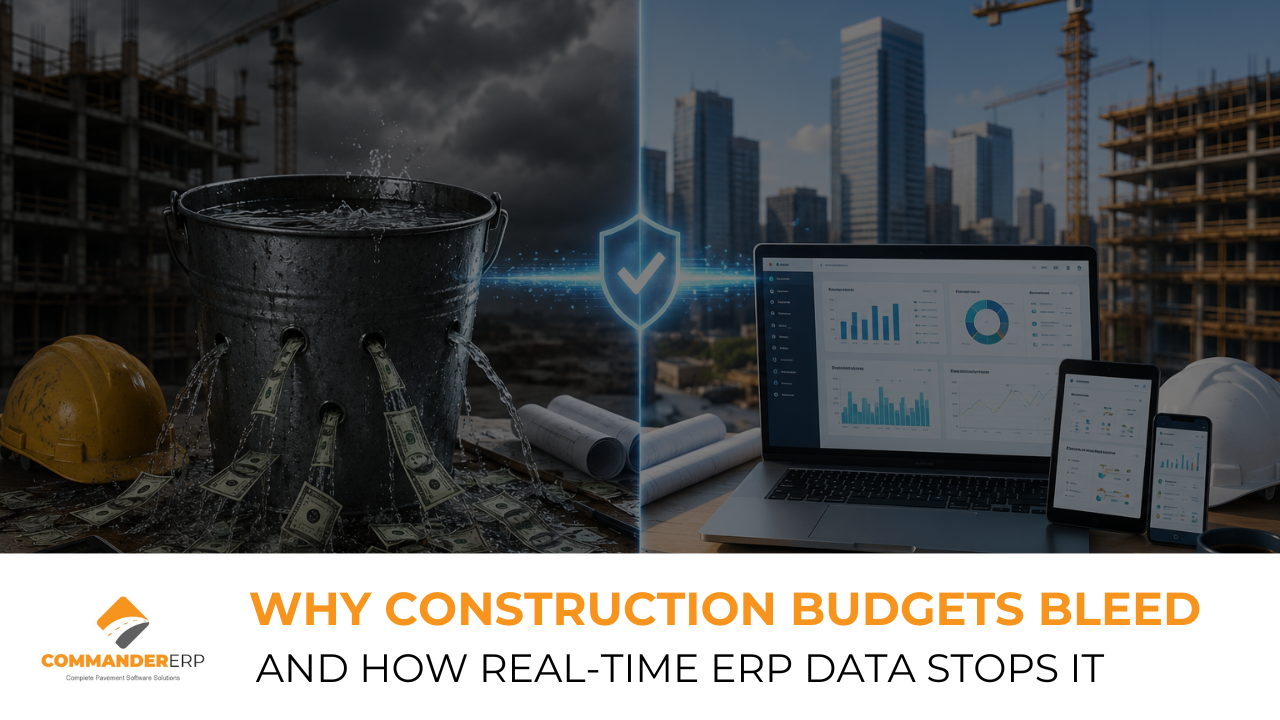
Ask a construction project manager how projects go over budget and they rarely point to one catastrophic decision. The honest answer is quieter: "We just didn't know soon enough."
Budget overruns in construction are almost never caused by a single large error. They're caused by dozens of small, untracked losses that accumulate invisibly until they become undeniable. By the time a traditional cost report surfaces the problem, the project has already overspent by lakhs — or crores.
This article identifies the seven most common ways construction project budgets bleed, and shows how real-time ERP data from Commander ERP closes each one before it becomes a financial crisis.
The Scale of the Problem
Cost overruns are endemic to construction globally. Studies consistently show that 70–90% of infrastructure and commercial construction projects exceed their original budget. In India's construction sector, budget overruns of 15–30% are widely accepted as "normal" — a normalisation that costs the industry billions in lost margin every year.
The good news is that most of these overruns are preventable. Not through better luck or better people, but through better information — delivered faster.
The 7 Budget Bleed Points in Construction
1. Material Price Variance — Ordered vs. Actual
Your budget was prepared with steel at USD 58,000 per MT. By the time the order is placed, it's USD 63,000. The difference is noted by procurement but never formally updated in the project budget. Over the life of a large project, these unregistered variances add up to significant overruns.
Commander ERP locks budget rates at project start, flags every purchase order where actual price exceeds budgeted price, and calculates the cumulative financial impact in real time. The project manager knows immediately — not at month end.
2. Labour Overtime — Unplanned and Unallocated
Site teams work overtime to meet a deadline. The overtime is authorised verbally by the site supervisor. It's processed through payroll but never properly allocated to the project's labour cost code. The project budget shows labour at budget, while the actual payroll is already 12% over.
All labour transactions — including overtime — are coded to projects at the point of payroll processing. Budget vs. actual labour is visible in real time, and alerts trigger when project labour spend approaches threshold limits.
3. Unapproved Scope Additions
The client asks for an additional feature — better flooring in the lobby, or an extra car park level. The site team accommodates the request. No variation order is raised. The additional cost flows through procurement and labour, but against the original contract value. The project now has extra costs with no corresponding extra revenue.
Commander ERP's variation order workflow requires all scope changes to be formally documented, approved, and linked to a revised contract value before any costs can be committed. Nothing gets built without a paper trail.
4. Subcontractor Over-Billing
A subcontractor submits a progress claim for 60% completion. Site checks have not been done formally. The claim is processed to maintain the relationship. The actual completion is closer to 45%. You've paid for work that hasn't been done — and may never be, if the subcontractor defaults.
Subcontractor payments in Commander ERP are linked to milestone verification. A payment cannot be processed until the corresponding site checklist has been completed and approved by an authorised supervisor.
5. Equipment Idle Time — Paid but Unproductive
Hired plant equipment sits idle on site because the area it's needed in isn't ready. The hire cost continues to accumulate. No one flags this because the budget line shows "equipment hire — on track" — it just hasn't reached the budgeted number yet. But the productive work the equipment should have done hasn't been done either, creating a schedule delay that will cost even more.
Equipment utilisation is tracked against project tasks in Commander ERP. Idle periods are flagged automatically, giving the project manager the data to make a decision — move the equipment to another site or reschedule activities to reduce idle hire cost.
6. Material Wastage — Ordered, Used, Untracked
Concrete is over-ordered "to be safe." The excess is used, wasted, or taken without record. The same happens with rebar, fittings, and finishing materials. Individually, each variance is small. Across a large project, material wastage routinely adds 3–7% to total project cost.
Goods Received Notes in Commander ERP require materials to be allocated against specific cost codes on receipt. Usage is tracked against theoretical consumption based on BOQ quantities. Wastage is visible as a variance — not hidden in a bulk materials line.
7. Delayed Invoicing and Lost Retention
Projects are completed, but the final invoice isn't raised promptly. Retention amounts aren't tracked systematically and get missed. Cash that belongs to your business stays with the client indefinitely, affecting cash flow and, in some cases, written off entirely when the follow-up never happens.
Commander ERP tracks every retention amount from the moment it's withheld, with automatic reminders when retention becomes due for release. Final accounts are tied to project closeout checklists — nothing closes without the invoice being raised.
The Cost of Delayed Information: A Comparison
| Budget Bleed Point | Average Cost Impact | Time to Detect (Without ERP) |
|---|---|---|
| Material price variance | 1–3% of material budget | End of month report (3–4 weeks) |
| Unallocated overtime | 5–12% of labour budget | Payroll reconciliation (bimonthly) |
| Unapproved scope additions | Highly variable — often 5–15% | Final account dispute (project end) |
| Subcontractor over-billing | 2–8% of subcontract value | Audit or dispute (months later) |
| Equipment idle time | USD 15,000–50,000 per day per machine | Plant hire invoice (monthly) |
| Material wastage | 3–7% of total material cost | Physical stock count (quarterly) |
| Delayed invoicing / retention | 2–5% of project value (cash flow) | Often never detected systematically |
Why Real-Time Data Changes Everything
The difference between a project that finishes 20% over budget and one that finishes on budget is rarely the quality of the original plan. It's the speed at which cost deviations are detected and acted upon.
A cost overrun caught in week 2 costs you one week of remediation. A cost overrun caught at month 3 may be unrecoverable. Real-time ERP data doesn't prevent problems from happening — it ensures that when they do, you know within hours, not weeks.
What Real-Time Visibility Looks Like in Practice
- Purchase order raised above budget rate — project manager notified immediately, not at month end.
- Labour cost for the week reaches 80% of monthly budget — alert triggered, manager reviews deployment.
- Subcontractor payment due but site milestone not verified — payment held automatically pending approval.
- Material delivery received without corresponding PO — exception flagged for investigation.
- Equipment hire cost for a site reaches daily threshold — utilisation report automatically generated.
Conclusion
Construction budgets don't bleed from one wound. They bleed from dozens of small ones, each individually manageable, but collectively devastating when left undetected. The construction businesses that consistently deliver projects on budget are not lucky — they have systems that surface problems in hours, not weeks.
Commander ERP gives you that system. Real-time cost tracking, automated alerts, integrated procurement and finance, and full project visibility from day one to handover. Because knowing is always cheaper than finding out too late.
Stop Budget Bleed Before It Starts
Commander ERP gives your construction business real-time cost tracking, automated alerts, and complete financial visibility — so every project stays on budget, not just on paper.
Book a Free Demo at commandererp.com